$ cat /projects/bloomterm.md
BloomTerm
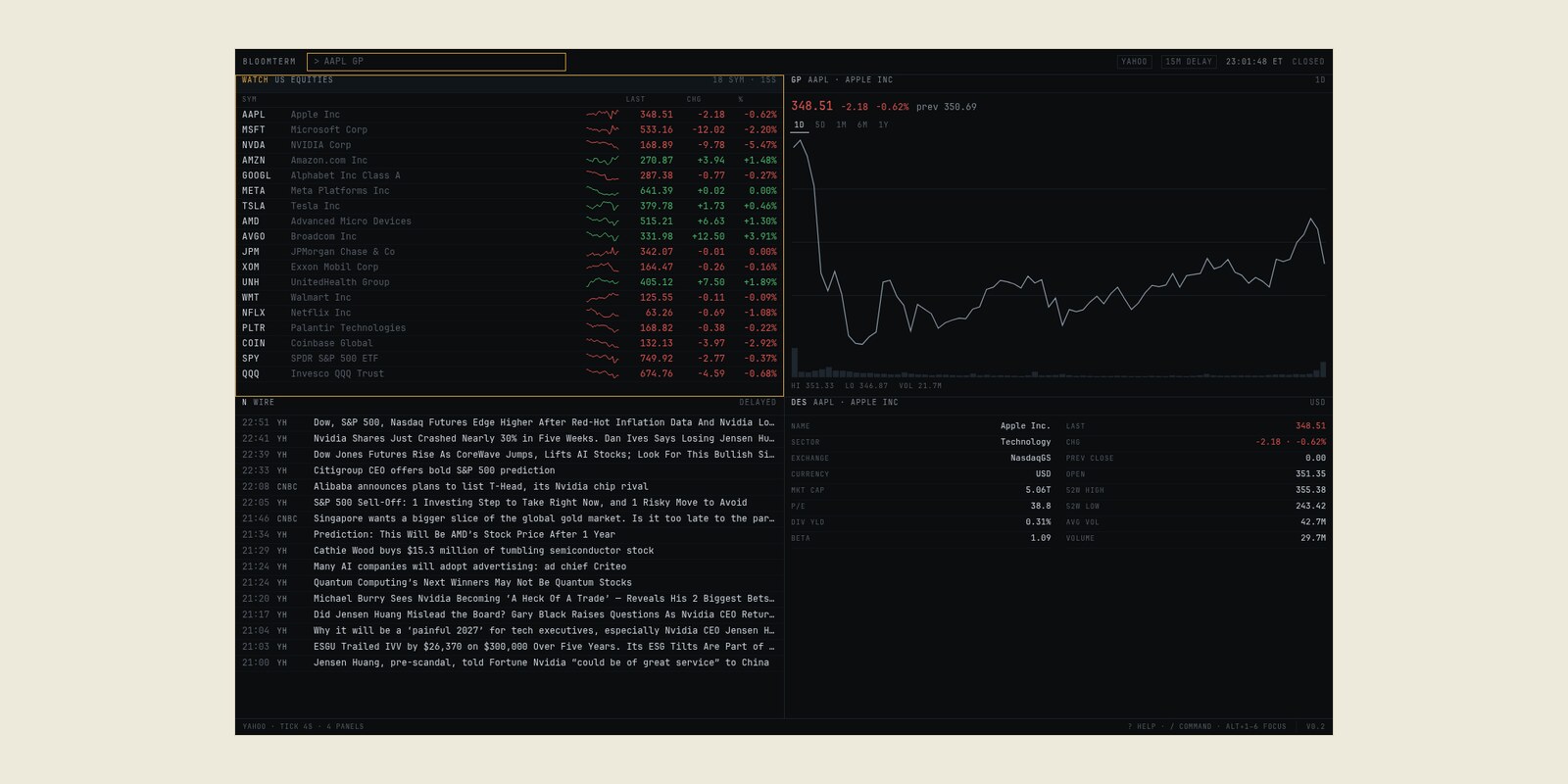
A minimal, keyboard-first market terminal. One screen, six panels, no menus.
Brief
Market terminals are powerful and hostile: dense menus, hidden shortcuts, and a screen full of chrome before you see a price. I wanted the opposite — a small keyboard-first terminal where a ticker and a function are enough to get an answer.
Approach
The server renders the page in Python; roughly 280 lines of vanilla JavaScript handle the command line, focus, and polling. Six panels cover the watchlist, a price graph, the news wire, a cross-asset strip, movers, and a description. Commands read like a terminal: AAPL GP, N, ECO, WATCH.
It runs with the standard library where possible, ships as a container, and has a generated-data provider for when the market is closed or the API is rate-limited.
What I learned
Keyboard-first design is mostly about focus. Once the command line, panel focus, and j/k navigation were stable, the interface could stay out of the way. The rest was latency: prewarming, stale-while-revalidate, parallel panel rendering, and gzip brought warm page loads to 10–30 ms.